
A Guide to the Songs of Benjamin Britten for Singers and Teachers
What People are Saying…
This thoroughly researched database will be of tremendous use to anyone studying or planning to perform Britten's songs. The comprehensive nature of the resource means that students cannot only access information about the works in isolation, but locate them in the rich, multi-dimensional context to which they belong. A great asset to Britten scholarship.
-Dr. Lucy Walker, Director of Learning and Development Britten-Pears Foundation
The Comprehensive Britten Song Database is a most welcome resource for all students and lovers of Britten's vocal music. While the site will be of great interest to all, it will be of enormous value to those beginning their love affair with the composer's art songs.
-Gregory Massingham, Head of Opera, Queensland Conservatorium, Griffith University
The Britten Song Database by Nicholas Perna and Mandy Spivak Perna should be on every singing teacher's bookmark list of important websites. Thoroughly researched and skillfully organized, this fine new website will be an aid to teachers and students of English song for years to come. Best of all, it is free to all users and available worldwide via the internet. Thank you Dr. Perna and Dr. Spivak Perna, for creating this great resource.
-John Nix, Professor of Voice and Vocal Pedagogy, University of Texas-San Antonio
Thank you for this wonderful database of Britten's song output. It will be extremely helpful to all of us that are involved in singing or supplying his music.
-Glendower Jones, Owner, Classical Vocal Reprints
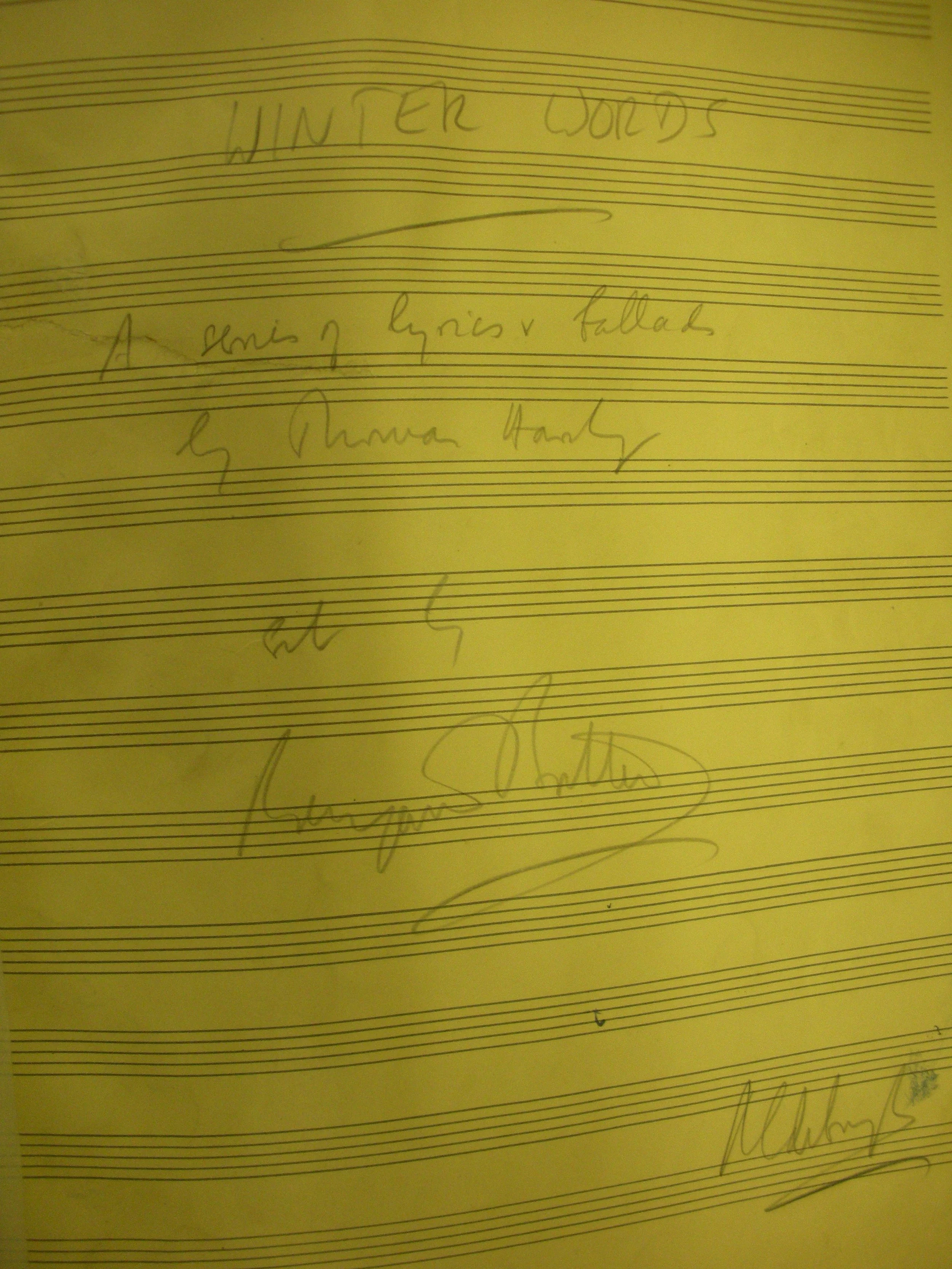
Photograph of title page of Britten’s Winter Words from composer’s sketch. Picture credit: Nicholas Perna and Mandy Spivak, 2011, taken at the Britten Pears Library, Aldeburgh, England. Copyright 2011.
How to search or sort the Database in Google Sheets
Step 1: Click The Database Button at the top of the page.
Step 2: In the “Data” tab click “Create Filter View.” This creates a personal view of the database, that you can personalize for your own use, without affecting other users.
Step 3: Sort the sheet by any column’s parameter.